City rides
Mini, Sedan, SUV or Premium. Add up to two stops, book now or schedule for later. Taxes are included in the fare you see.
Now in Hyderabad
City rides, a car with a driver by the hour, or an outstation trip. See your fare before you book, and pay your driver directly in cash or UPI.
Ride with VELO
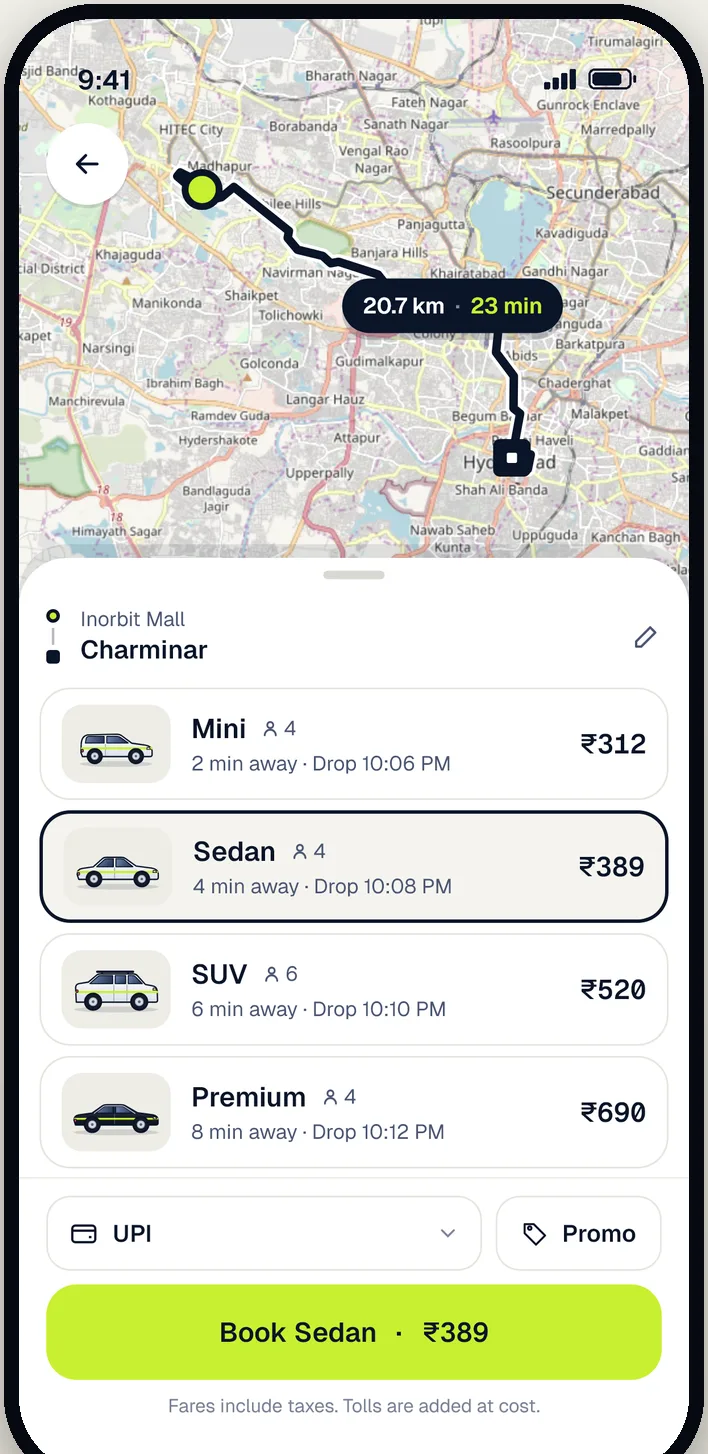
Mini, Sedan, SUV or Premium. Add up to two stops, book now or schedule for later. Taxes are included in the fare you see.
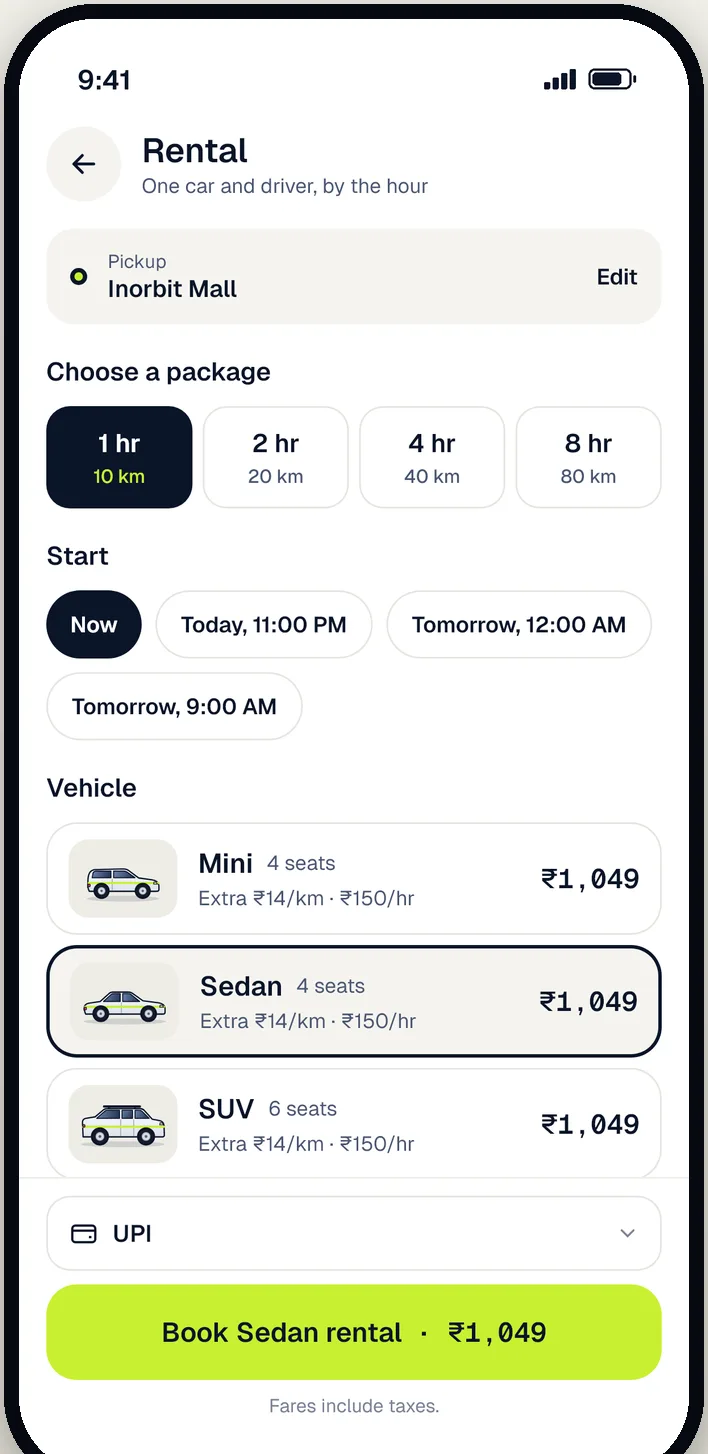
Keep one car and driver for errands, meetings or a day out. Clear prices for extra hours and kilometres, shown before you book.
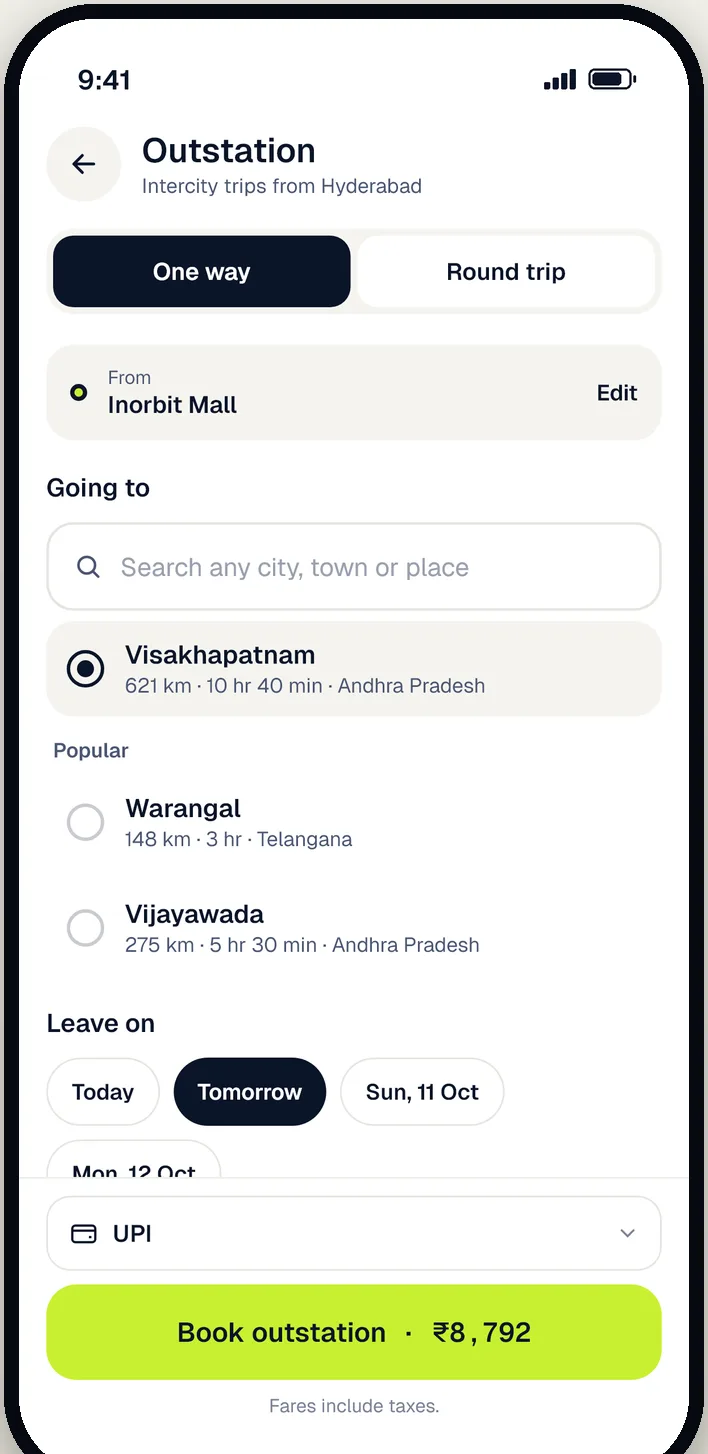
One way or round trip from Hyderabad to any town. Search the place, pick your day and see the full fare up front.
How it works
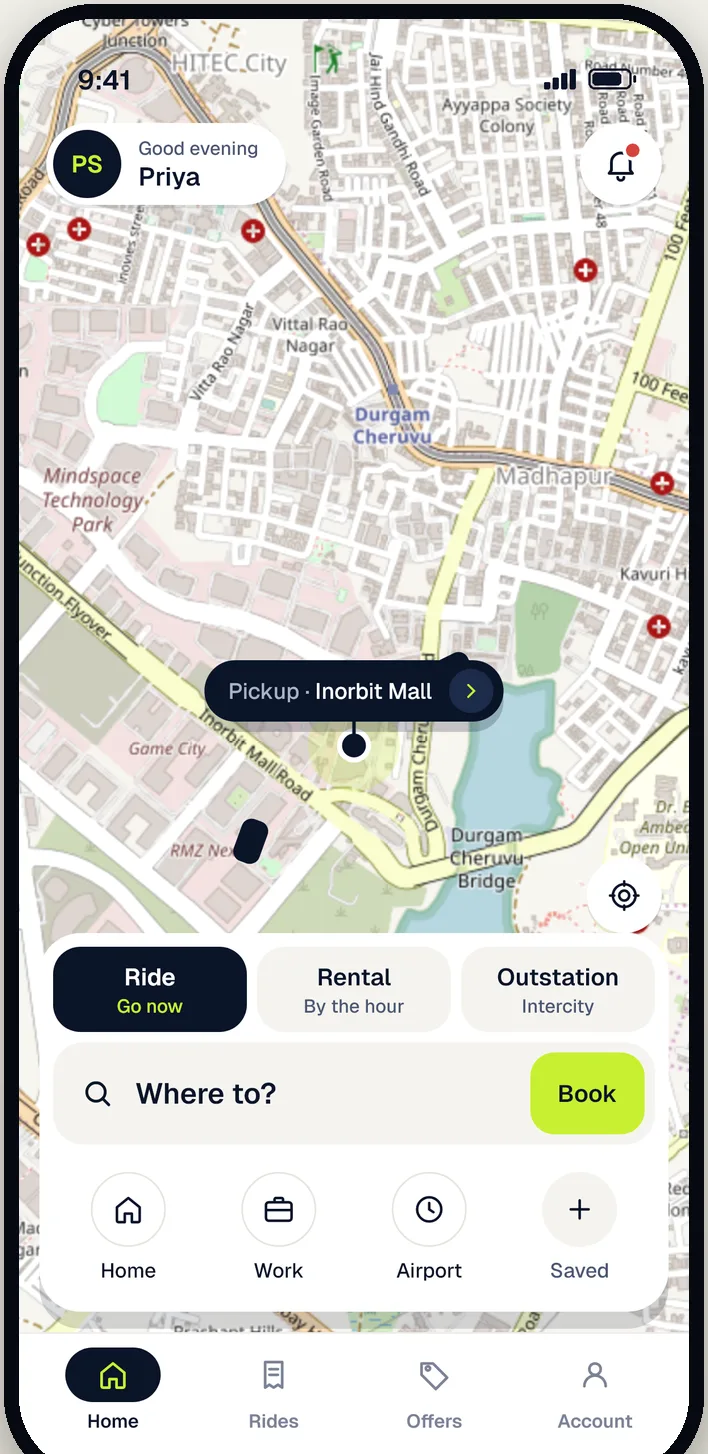
Your pickup is found from your location. Search any place in Hyderabad or beyond.
Compare car types and prices before you confirm. No hidden charges.
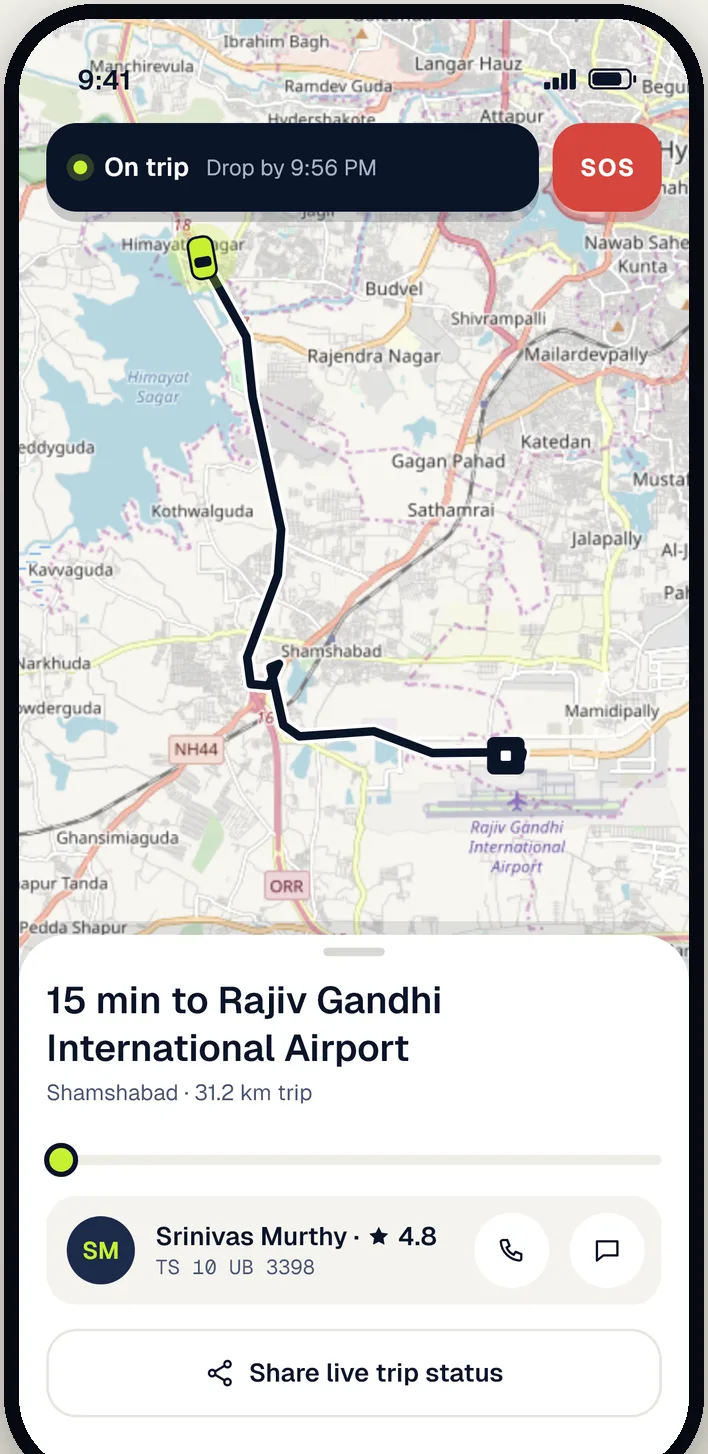
See their name, car and number plate, follow them on the map, and share your PIN at pickup.
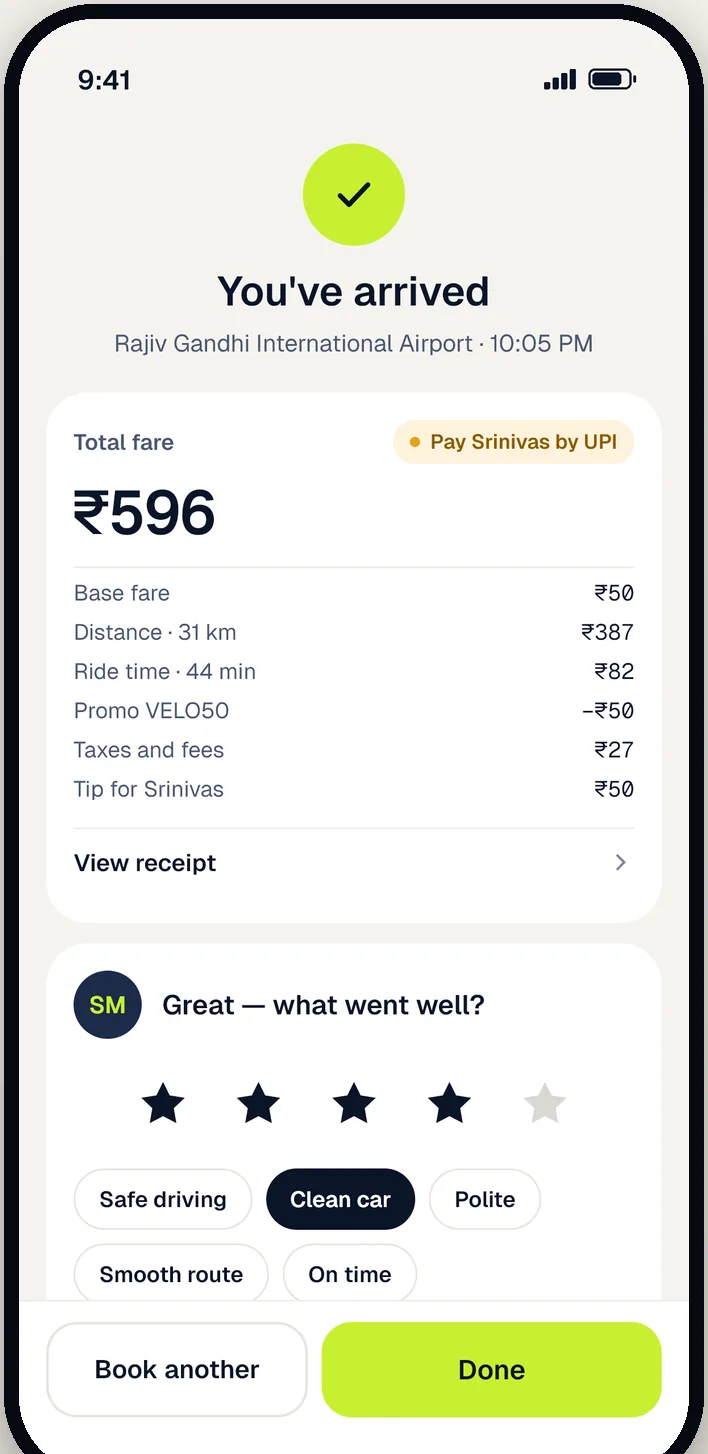
Cash or UPI, straight to the driver. Get a receipt and rate your trip.
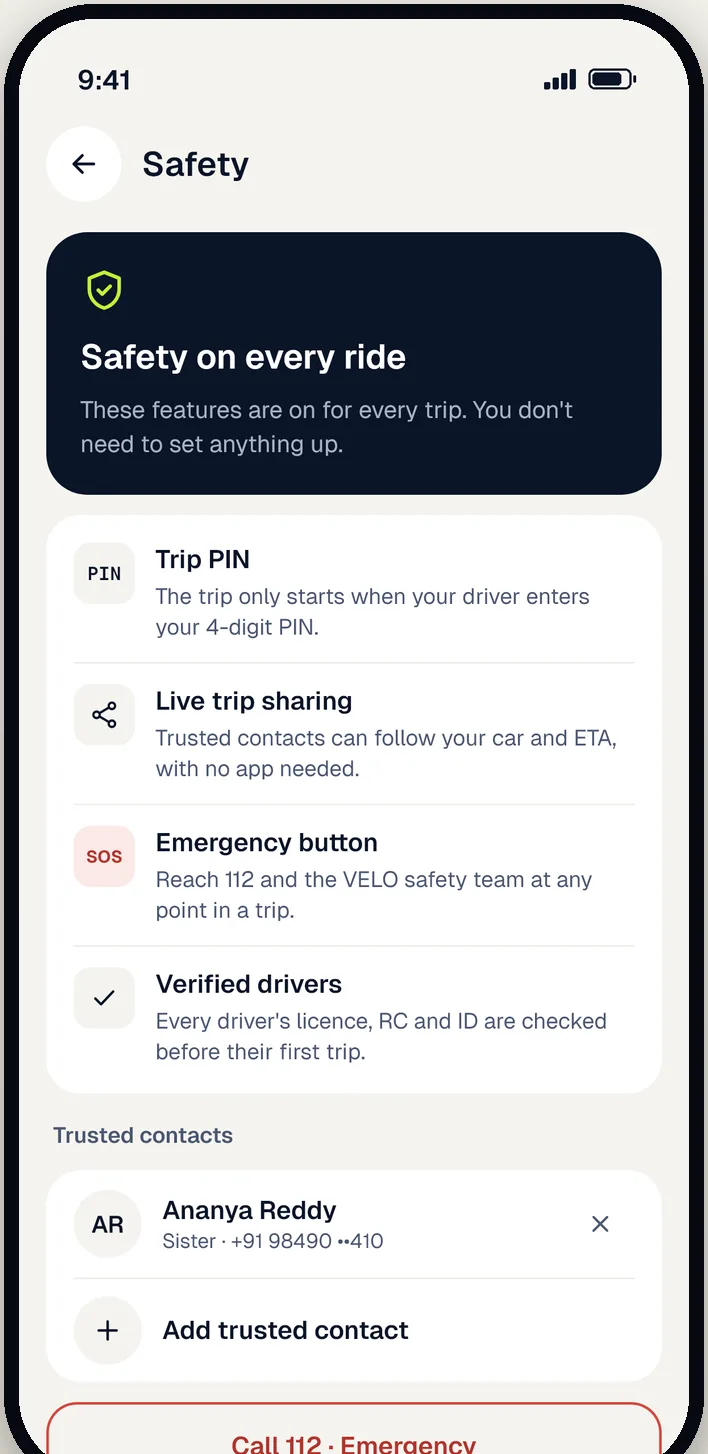
Safety on every ride
Fair for everyone
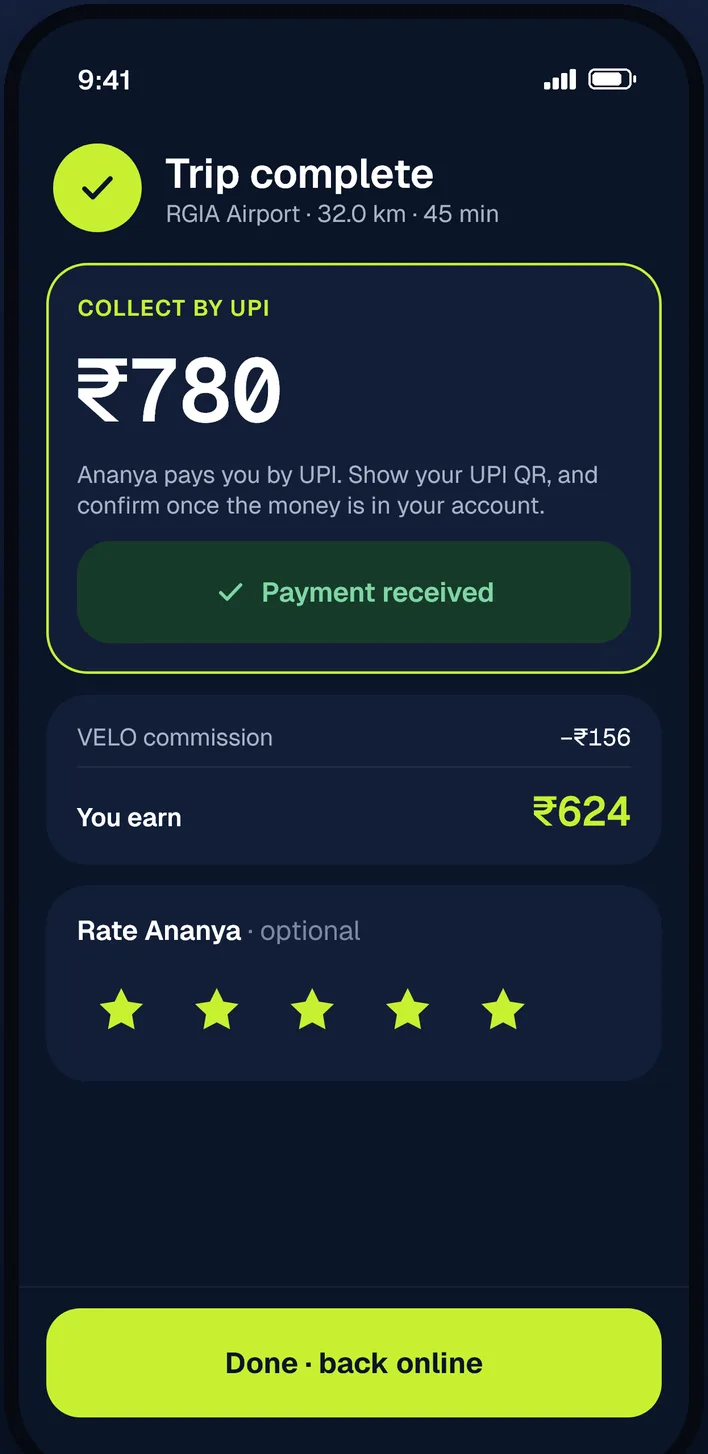
Pay in cash or by UPI (Google Pay, PhonePe, Paytm and more) straight to your driver. Every trip comes with a clear fare breakdown, and you can add a tip if you like.
Drive with VELO
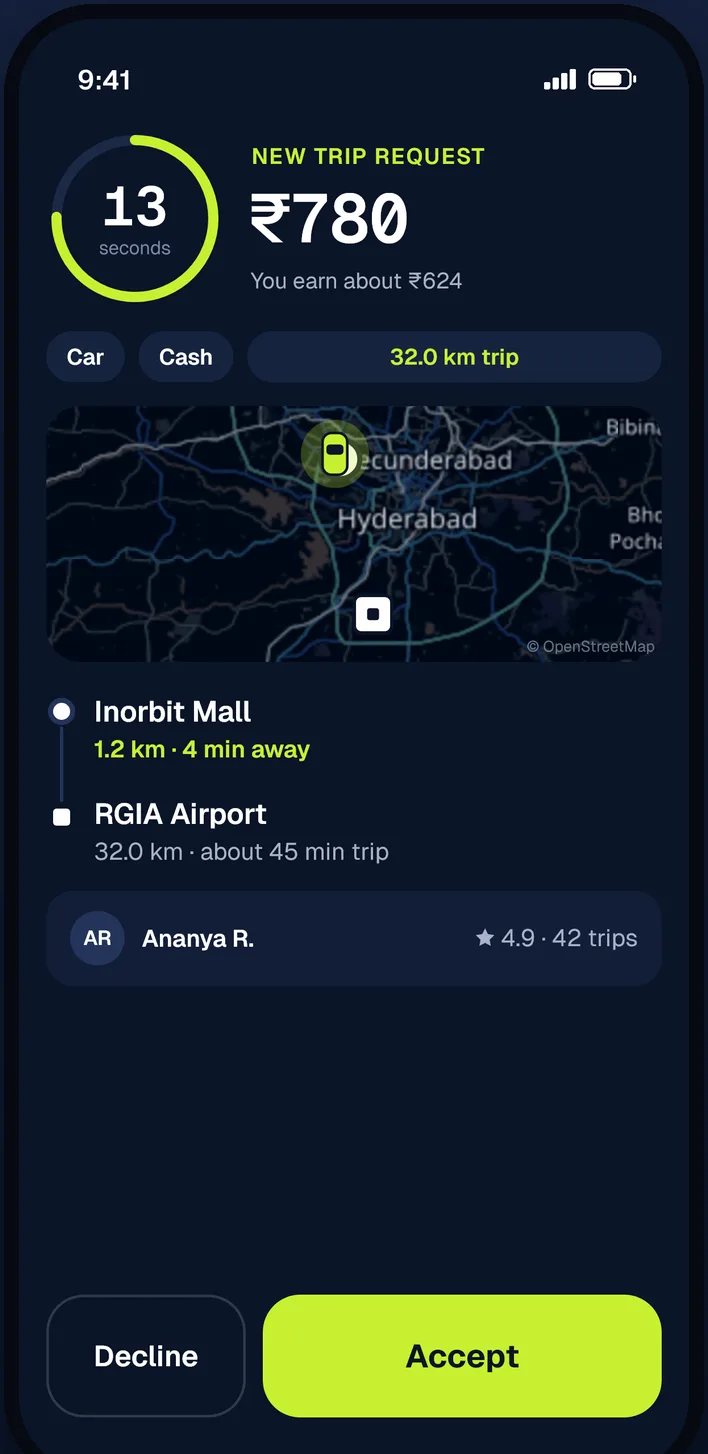
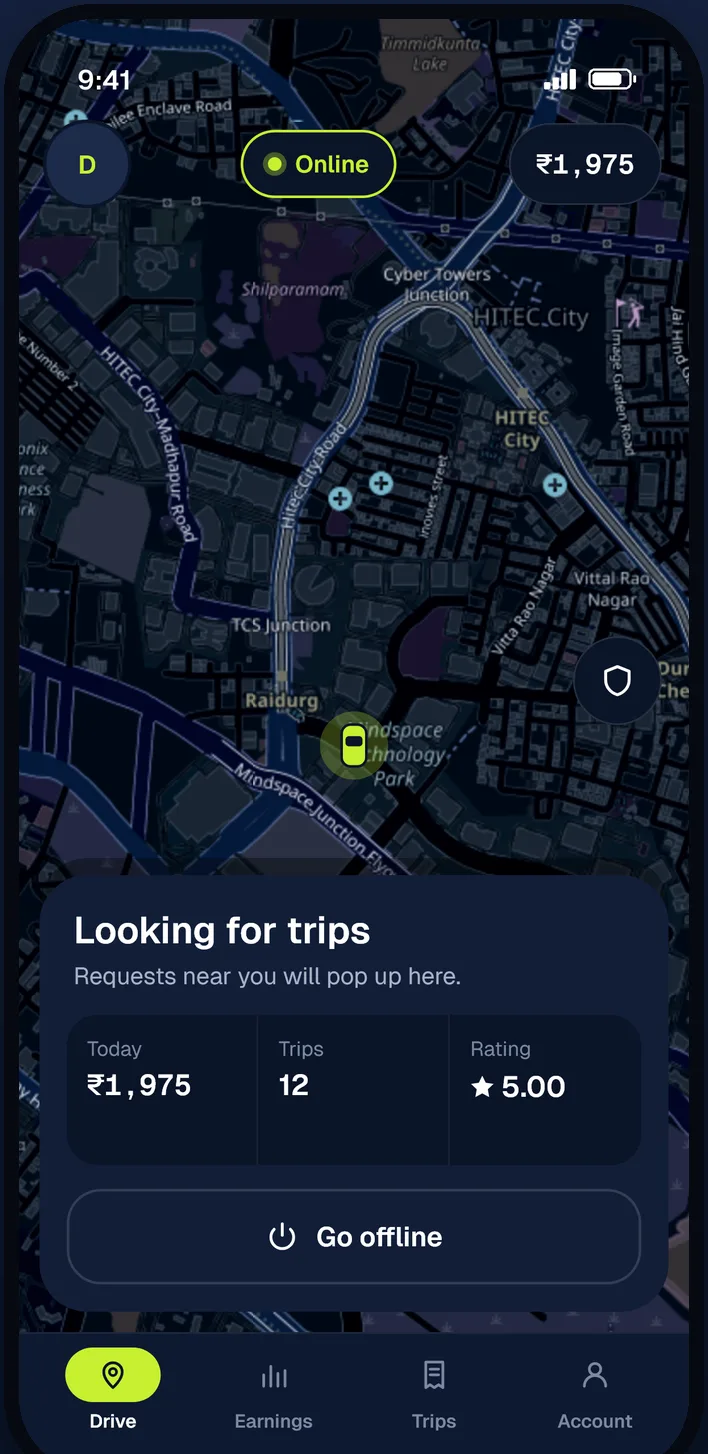
Go online when it suits you and get ride requests from passengers near you. Passengers pay you directly.
Questions
City rides and rentals run across Hyderabad. Outstation trips go from Hyderabad to any town or city you choose.
You see the full fare before you book, based on the car type, distance and time. Taxes are included. Tolls and interstate permits on outstation trips are added at cost.
Pay your driver directly in cash or by UPI at the end of the trip. The app shows the exact amount and a fare breakdown.
A 4-digit code shown in your app. Tell it to the driver at pickup; the trip can only start with the right PIN, so you always get into the right car.
Yes. If you can't use the app, call VELO on +91 80742 45829 and we'll book it for you. You'll get the trip PIN on the call.
Install VELO Driver, sign up with your mobile number or Google, add your car and upload your driving licence, RC and ID. Once the VELO team approves you, go online and start getting requests.
In the app: Account → Delete account. Or follow the steps on our account deletion page.
Get VELO on your Android phone. Drivers, get VELO Driver.